If you’ve worked with AEM for a while, you already know the drill — powerful, but heavy. Authoring, components, deployments… everything takes time.
Recently, I started exploring Edge Delivery Services (EDS), and honestly, it felt like a mindset shift more than just a new feature.
This is not another “what is EDS” article — this is a quick, hands-on walkthrough of how you can get started, with a bit of engineering perspective.
🚀 Why EDS (from an engineering POV)
Traditional AEM:
- Server-side rendering
- Complex component lifecycle
- Deployment overhead
EDS flips that:
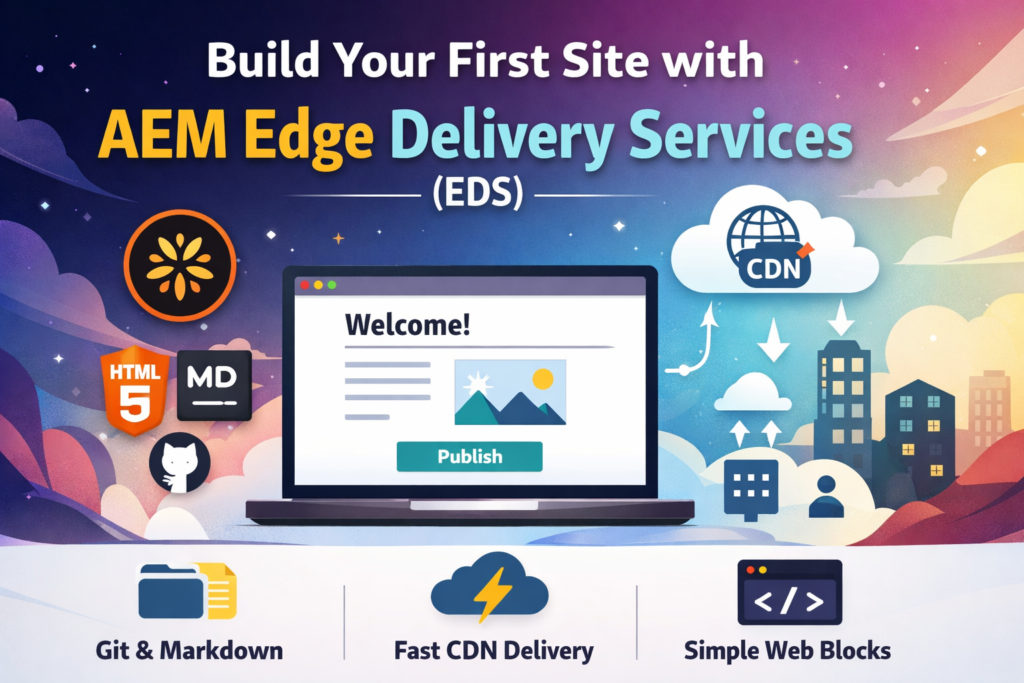
- Content → simple (Docs / Markdown / HTML)
- Rendering → happens at the edge (CDN)
- Deployment → Git push
👉 Less system thinking, more product thinking.
🧰 Prerequisites
You don’t need much:
- GitHub account
- Basic HTML/CSS
- Access to an EDS boilerplate repo
That’s it. No deep AEM knowledge required to start.
🏗️ Step 1: Setup
Clone your EDS repo:
git clone <your-repo-url>
cd your-project
What I liked here — no heavy setup, no local server configs. It’s straightforward.
📁 Step 2: Understand the Structure
Typical structure:
/blocks      → reusable UI blocks
/styles      → CSS
/scripts     → JS
If you’re coming from AEM:
- Blocks ≈ Components (but way simpler)
- No dialog configs, no HTL, no Sling models
✍️ Step 3: Create Your First Page
Create a simple page:
<h1>Hello AEM EDS 👋</h1>
<p>My first page using Edge Delivery Services.</p>
That’s literally enough to get started.
No templates. No page components.
🧱 Step 4: Blocks (Core Idea)
Blocks are the most important concept in EDS.
Example:
<div class="hero">
  <h1>Welcome</h1>
</div>
Add styling:
.hero {
  text-align: center;
  padding: 40px;
}
From an engineering standpoint:
- You control markup directly
- No abstraction layers
- Easier debugging
🔄 Step 5: Push → Deploy
git add .
git commit -m "first page"
git push
This is where EDS shines.
👉 Push = Deploy
No pipelines to babysit, no package manager headaches.
🌍 Step 6: Access Your Page
Once pushed:
- Site is built automatically
- Served via CDN
- Loads fast by default
Performance is not something you “optimize later” — it’s built-in.
⚡ What I Observed (Important)
After trying EDS, a few things stood out:
1. Simplicity is intentional
EDS removes layers. That’s not a limitation — that’s the design.
2. It’s frontend-first
If your team is strong in frontend, EDS feels natural.
3. Not a replacement for everything
EDS works great for:
- Marketing sites
- Content-heavy pages
But not ideal for:
- Complex business logic
- Heavy personalization
⚠️ Common Mistakes
From my initial experience:
- Trying to replicate traditional AEM patterns
- Overengineering blocks
- Ignoring clean HTML structure
👉 Keep it simple. That’s the whole point.
📚 References (Worth Exploring)
- Official docs:
https://experienceleague.adobe.com/en/docs/experience-manager-cloud-service/content/edge-delivery/overview - AEM EDS GitHub boilerplate examples:
https://github.com/adobe - Franklin (EDS) concept & community:
https://www.hlx.live/ - A good Medium intro on EDS:
https://medium.com/search?q=aem%20edge%20delivery%20services
🧠 Final Thoughts
EDS is not just a feature — it’s a shift in how we think about building web experiences.
Less backend.
Less complexity.
More speed.
If you’re an AEM developer, it might feel uncomfortable initially — but it’s worth exploring.
Keep coding.…